 f6d57295a0
* rust-toolchain: Bump toolchain version to 1.69.0 which, compared to the previous 1.67.0, has the following impacts on `zellij`: - [Turn off debuginfo for build deps][2]: Increases build time (on my machine) from ~230 s in 1.67.0 to ~250 s now, *which is unexpected* This version also changes [handling of the `default-features` flag][3] when specifying dependencies in `Cargo.toml`. If a dependent crate requires `default-features = true` on a crate that is required as `default-features = false` further up the dependency tree, the `true` setting "wins". We only specify `default-features = false` for three crates total: - `names`: This is used only by us - `surf`: This is used only by us - `vte`: This is also required by `strip-ansi-escapes`, but that has `default-features = false` as well How this affects our transitive dependencies is unknown at this point. [2]: https://github.com/rust-lang/cargo/pull/11252/ [3]: https://github.com/rust-lang/cargo/pull/11409/ * rust-toolchain: Bump toolchain version to 1.70.0 which, compared to the previous 1.69.0, as the following impacts on `zellij`: 1. [Enable sparse registry checkout for crates.io by default][1] This drastically increases the time to first build on a fresh rust installation/a rust installation with a clean cargo registry cache. Previously it took about 75s to populate the deps/cache (with `cargo fetch --locked` and ~100 MBit/s network), whereas now the same process takes ~10 s. 2. [The `OnceCell` type is now part of std][2] In theory, this would allow us to cut a dependency from `zellij-utils`, but the `once_cell` crate is pulled in by another 16 deps, so there's no point in attempting it right now. Build times and binary sizes are unaffected by this change compared to the previous 1.69.0 toolchain. [1]: https://github.com/rust-lang/cargo/pull/11791/ [2]: https://doc.rust-lang.org/stable/std/cell/struct.OnceCell.html * rust-toolchain: Bump toolchain version to 1.75.0 which, compared to the previous 1.70.0, has the following impacts on `zellij`: 1. [cross-crate inlining][8] This should increase application performance, as functions can now be inlined across crates. 2. [`async fn` in traits][9] This would allow us to drop the `async_trait` dependency, but it is currently still required by 3 other dependencies. Build time in debug mode (on my own PC) is cut down from 256s to 189s (for a clean build). Build time in release mode is cut down from 473s to 391s (for a clean build). Binary sizes only change minimally (825 MB -> 807 MB in debug, 29 MB -> 30 MB in release). [8]: https://github.com/rust-lang/rust/pull/116505 [9]: https://github.com/rust-lang/rust/pull/115822/ * chore: Apply rustfmt. * CHANGELOG: Add PR #3039. |
||
|---|---|---|
| .cargo | ||
| .github | ||
| assets | ||
| default-plugins | ||
| docs | ||
| example | ||
| src | ||
| xtask | ||
| zellij-client | ||
| zellij-server | ||
| zellij-tile | ||
| zellij-tile-utils | ||
| zellij-utils | ||
| .editorconfig | ||
| .gitignore | ||
| .rustfmt.toml | ||
| Cargo.lock | ||
| Cargo.toml | ||
| CHANGELOG.md | ||
| CODE_OF_CONDUCT.md | ||
| CONTRIBUTING.md | ||
| docker-compose.yml | ||
| GOVERNANCE.md | ||
| LICENSE.md | ||
| Makefile.toml | ||
| README.md | ||
| rust-toolchain.toml | ||

Zellij



[Installation] [Screencasts & Tutorials] [Configuration] [Layouts] [FAQ]
What is this?
Zellij is a workspace aimed at developers, ops-oriented people and anyone who loves the terminal. Similar programs are sometimes called "Terminal Multiplexers".
Zellij is designed around the philosophy that one must not sacrifice simplicity for power, taking pride in its great experience out of the box as well as the advanced features it places at its users' fingertips.
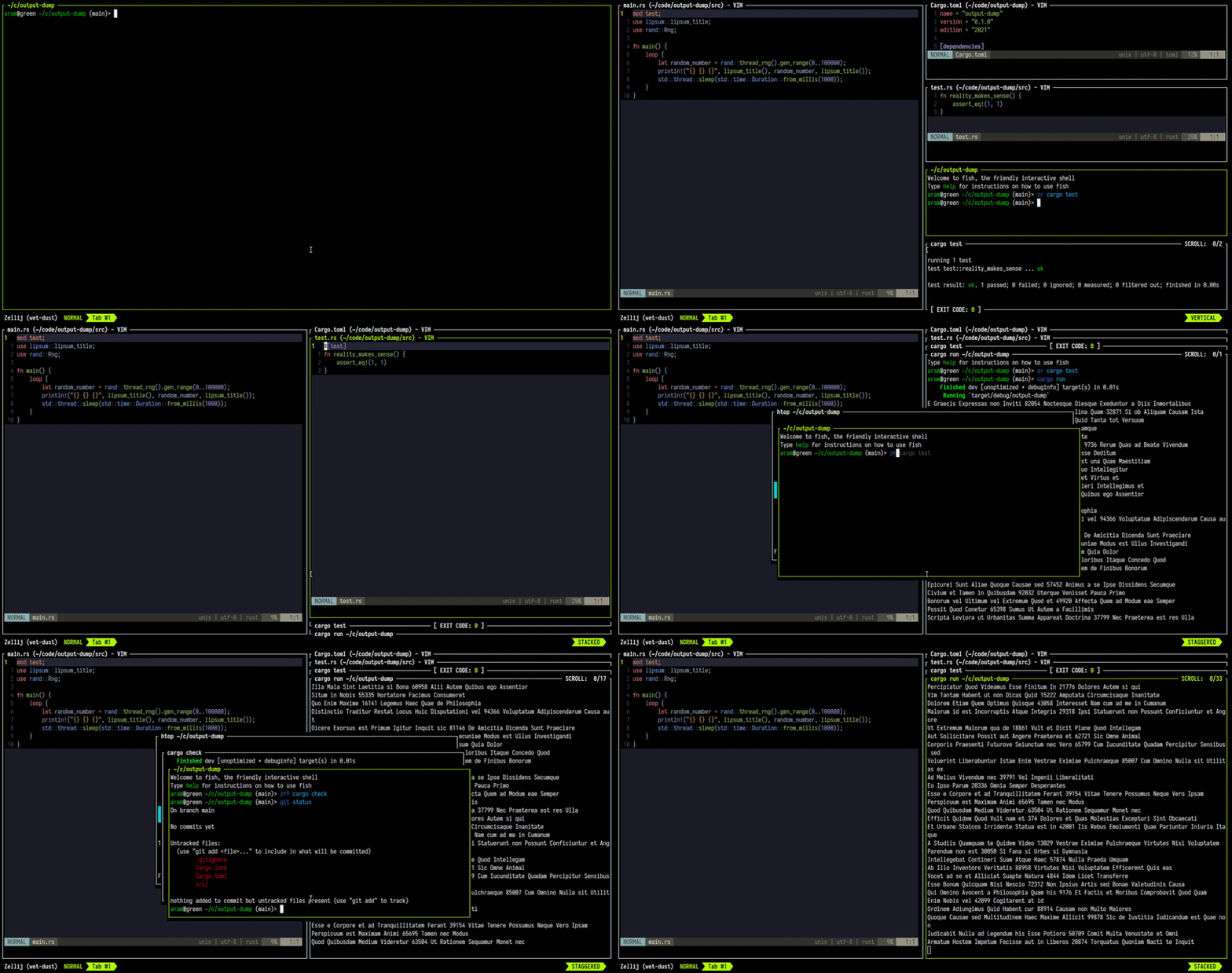
Zellij is geared toward beginner and power users alike - allowing deep customizability, personal automation through layouts, true multiplayer collaboration, unique UX features such as floating and stacked panes, and a plugin system allowing one to create plugins in any language that compiles to WebAssembly.
You can get started by installing Zellij and checking out the Screencasts & Tutorials.
For more details about our future plans, read about upcoming features in our roadmap.
How do I install it?
The easiest way to install Zellij is through a package for your OS.
If one is not available for your OS, you could download a prebuilt binary from the latest release and place it in your $PATH. If you'd like, we could automatically choose one for you.
You can also install (compile) with cargo:
cargo install --locked zellij
Try Zellij without installing
bash/zsh:
bash <(curl -L zellij.dev/launch)
fish/xonsh:
bash -c 'bash <(curl -L zellij.dev/launch)'
How do I get involved?
Zellij is a labour of love built by an enthusiastic team of volunteers. We eagerly welcome anyone who would like to join us, regardless of experience level, so long as they adhere to our Code of Conduct.
Please report any code of conduct violations to aram@poor.dev
To get started, you can:
- Take a look at the Issues in this repository - especially those marked "good first issue". Those with the "help wanted" tag probably don't have anyone else working on them.
- Drop by our Discord, or Matrix chat and ask what you can work on, or how to get started.
- Open an issue with your idea(s) for the project or tell us about them in our chat.
How do I start a development environment?
- Clone the project
- In the project folder, for debug builds run:
cargo xtask run - To run all tests:
cargo xtask test
For more build commands, see CONTRIBUTING.md.
Configuration
For configuring Zellij, please see the Configuration Documentation.
What is the current status of the project?
Zellij should be ready for everyday use, but it's still classified as a beta. This means that there might be a rare crash or wrong behaviour here and there, but that once found it should be fixed rather quickly. If this happens to you, we would be very happy if you could open an issue and tell us how to reproduce it as best you can.
Roadmap
Presented here is the project roadmap, divided into three main sections.
These are issues that are either being actively worked on or are planned for the near future.
If you'll click on the image, you'll be led to an SVG version of it on the website where you can directly click on every issue

License
MIT